



The Artist Collection by Marlene Lufen
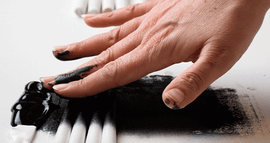
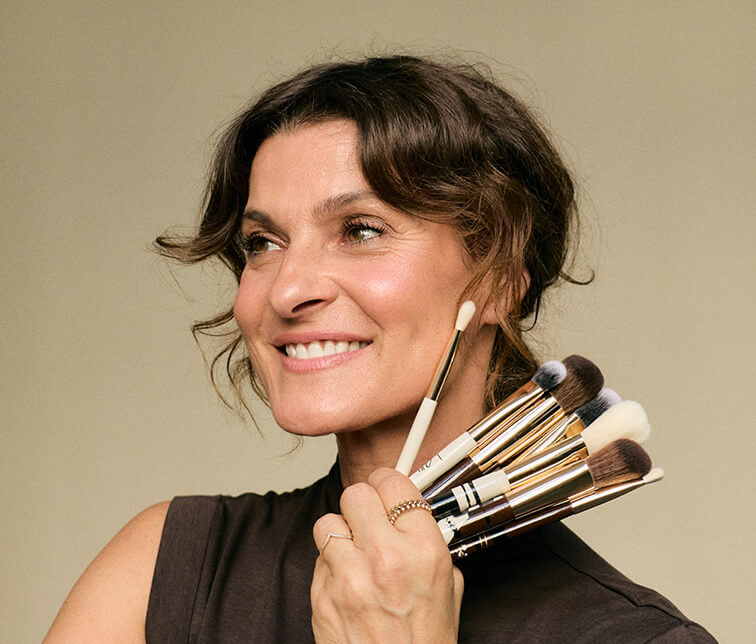
Marlene Lufen loves fine craftsmanship. Whether at home, at work, or when applying Make-up. She has now designed her own Brushes for JACKS: hand-painted in her favorite shade, chocolate brown.
Read moreThank you for your booking
You will receive a confirmation for your booked appointment by email.
On the day of your consultation, you can click the link to the joint Google Meet in the confirmation email you received after booking.
You can easily join the consultation on your desktop or via your phone using the Google Meet link.
The link to your appointment is included in your confirmation email. You received this immediately after booking.
If no link is included in the email, our beauty expert will contact you shortly before the appointment by email with a new appointment.
If this has not happened, you can contact our customer service at any time via support@jacks-beautyline.com
The consultation takes place via Google Meet. Google Meet is available as an app but can also be accessed through the regular Chrome or Safari browser. Click on the Google Meet link or copy it into your browser.
Yes, you can. However, we recommend using a tablet or desktop if possible, so the expert can see you better and you also have the opportunity to apply tips immediately.
After the consultation, you will receive an email from our beauty expert with an overview of the recommended products. You can shop these anytime in your perfect color.
Follow JACKS beauty line on Instagram for daily beauty tips:
Make-up tips, how-to's, and interviews: Discover exciting beauty insights in our beauty guide!
Marlene Lufen loves fine craftsmanship. Whether at home, at work, or when applying Make-up. She has now designed her own Brushes for JACKS: hand-painted in her favorite shade, chocolate brown.
Read more
Look makeup-free even though you’re wearing Make-up: Here’s how to achieve the no-makeup look step by step.
Read more
Why did the new shade expansion take two years? Rim Zemuye explains how foundation, concealer, and Cream Blush for darker skin tones came about.
Read more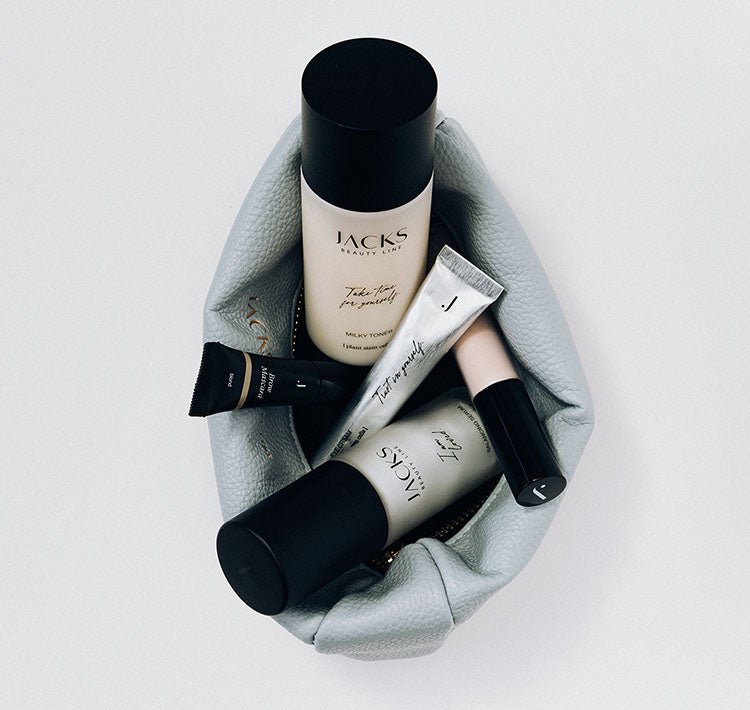
Ordered the wrong shade, and now the product sits unused in your bathroom? It doesn’t have to be that way: our consultation options before and after your purchase help you...
Read more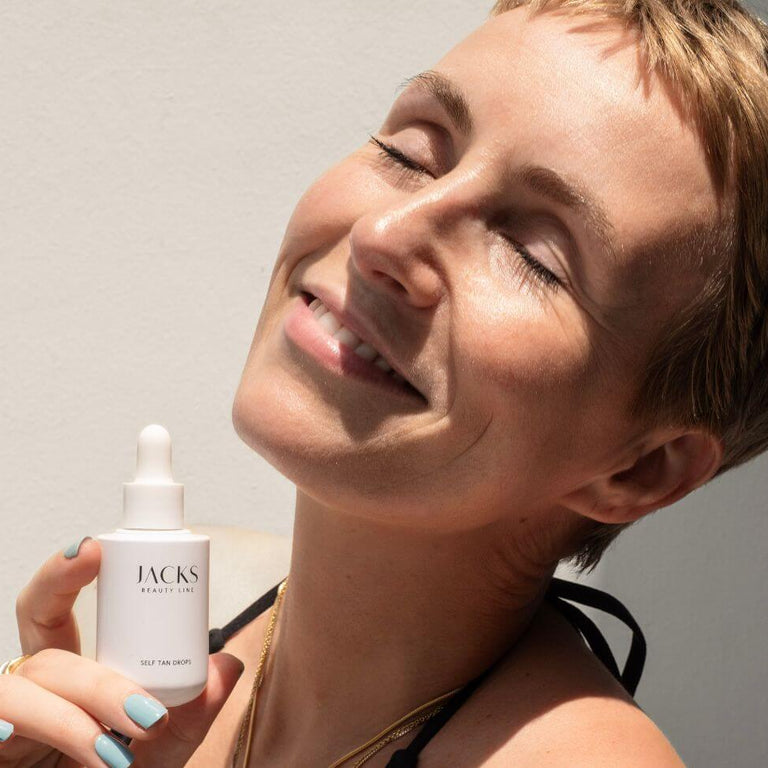
Sun, heat, humidity: In summer, your Make-up needs lightweight textures. Find out how to keep your look fresh even at 30 degrees.
Read more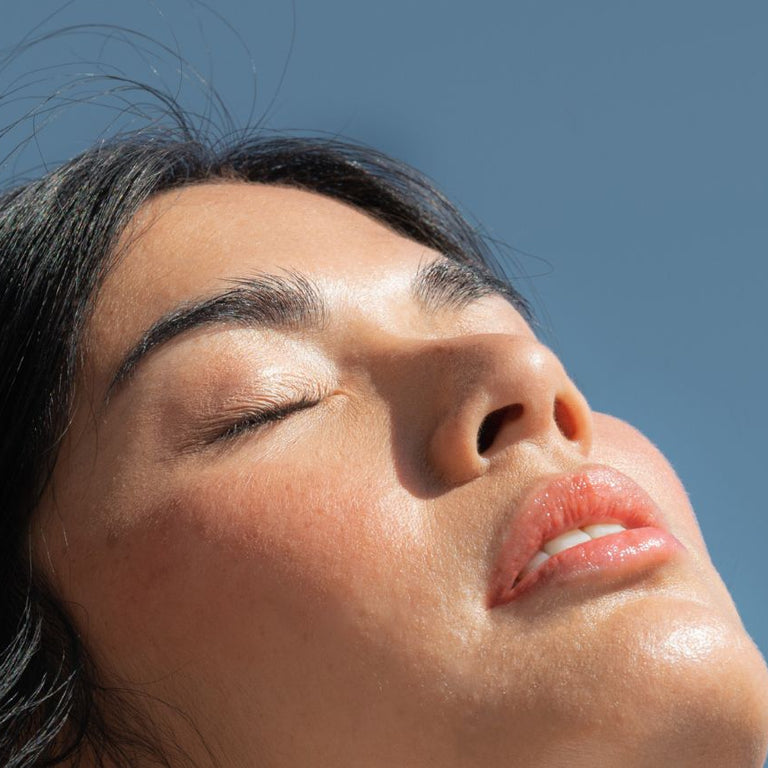
UV rays, heat, and sweat put particular stress on your skin in summer. Here’s how to build the right skincare routine.
Read more
Cream Blush is creamy with a glowy finish, Powder Blush is powdery and long-lasting. Find out which blush suits your skin type and why combining both often delivers the best...
Read more
Discover how to apply mascara correctly! With step-by-step instructions, tips on color, ingredients & removing makeup, you can achieve the perfect eye look without clumping or smudging.
Read more